The due date determines the date by which the invoice, advance invoice, quotation or invoice received is to be paid. In Numiron, you can set a default due date for each type of document so that it is automatically filled in when issued.
Method 1: Setting the default due date
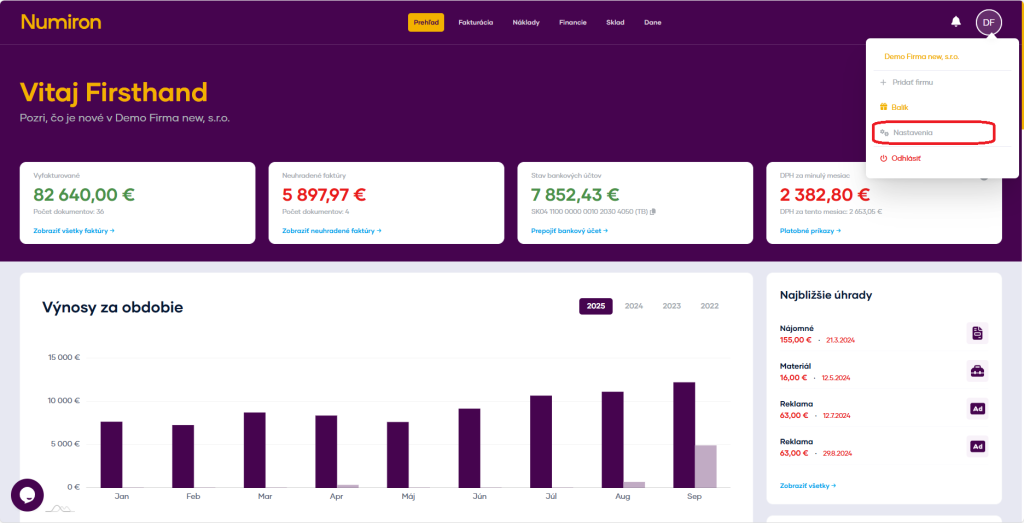
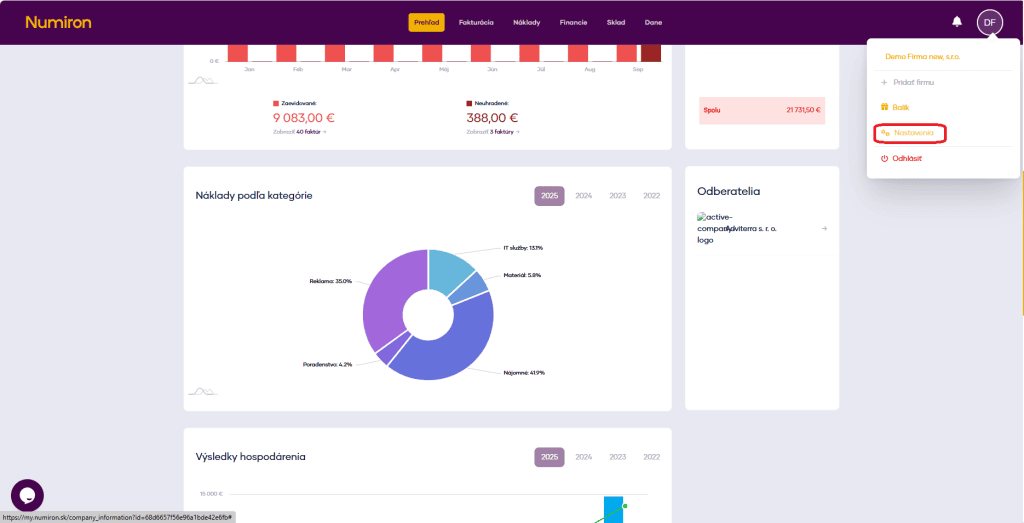
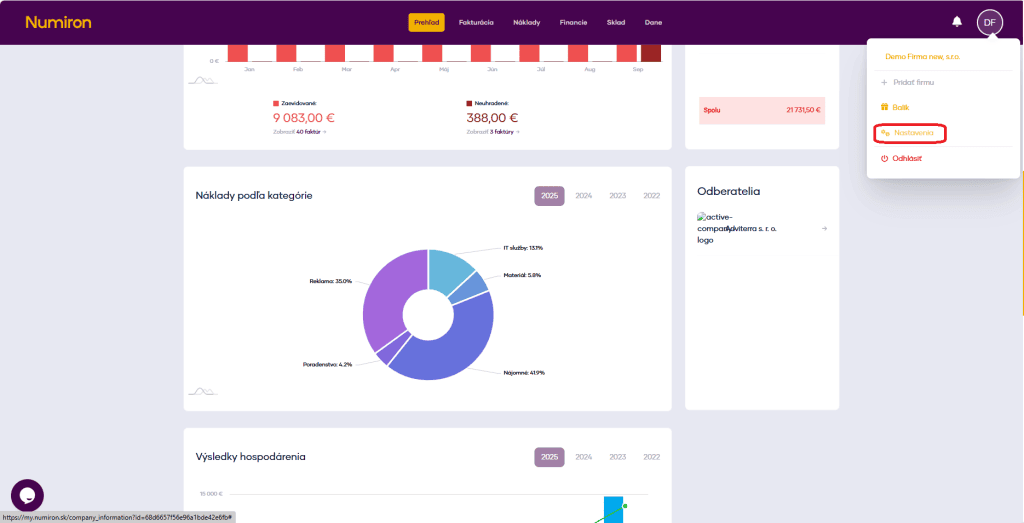
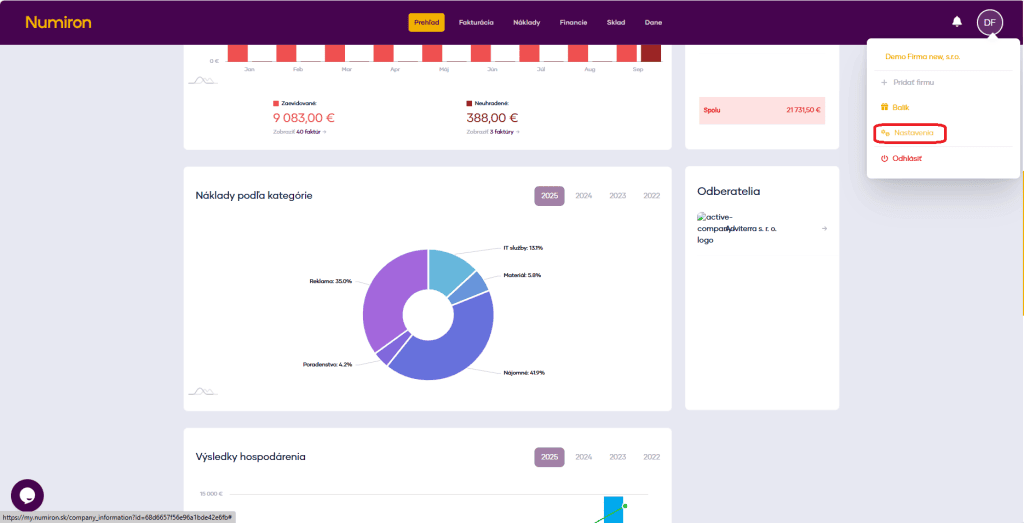
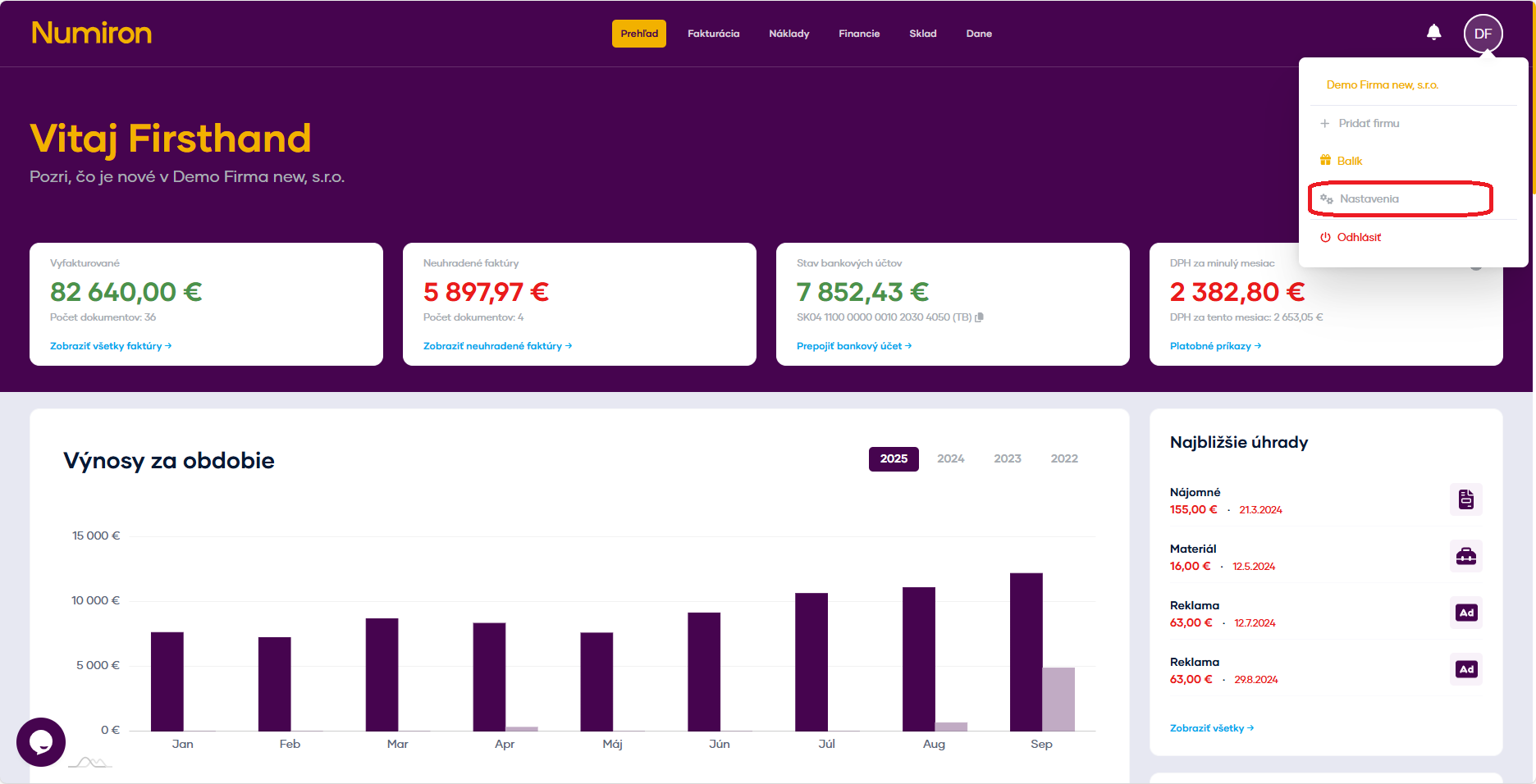
Click on your profile icon in the top right corner, select Settings and switch to the Invoicing section.
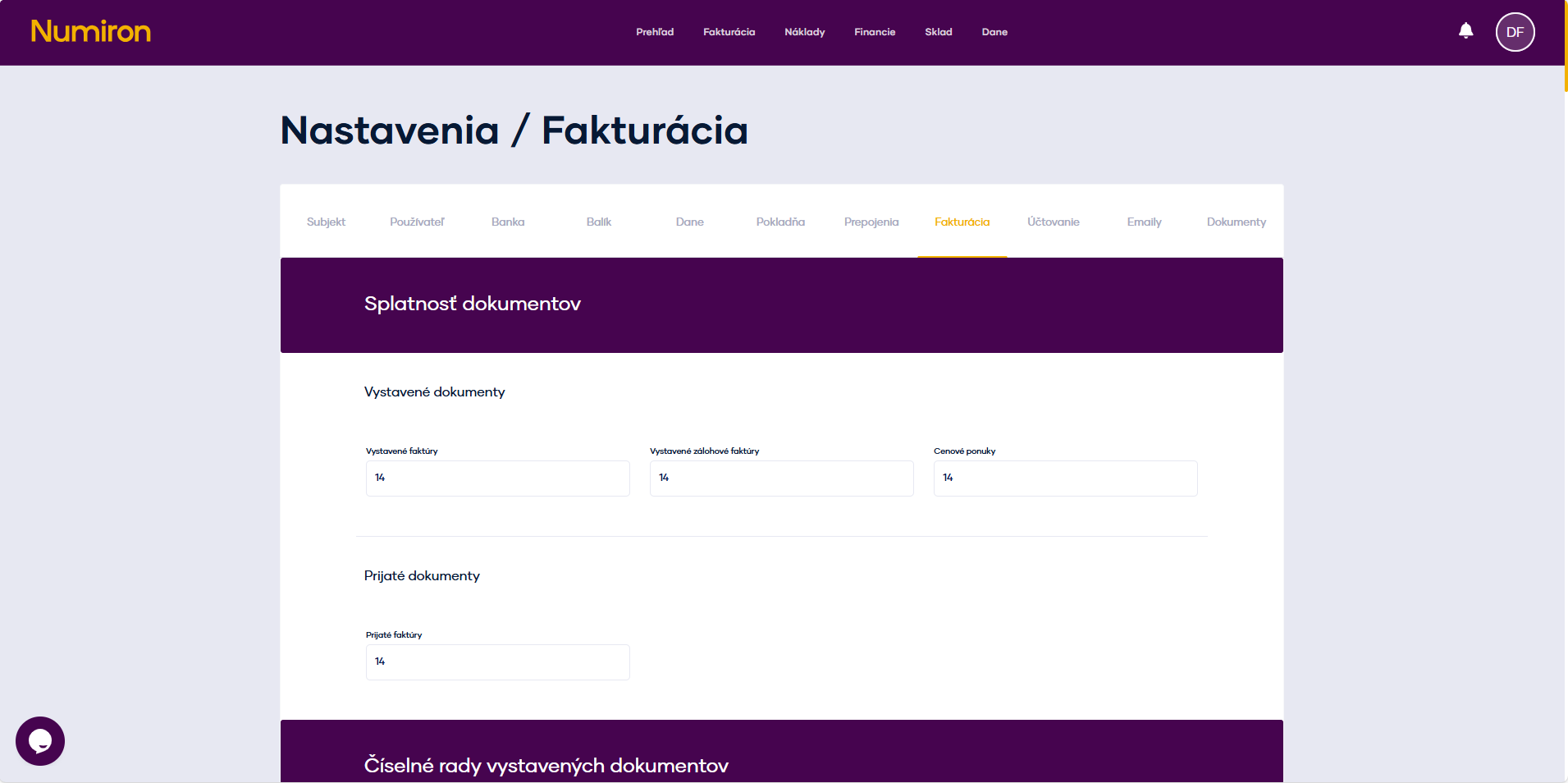
In the section Maturity of documents you will find separate fields for each type of document:
- invoices issued,
- advance invoices,
- quotations,
- invoices received.
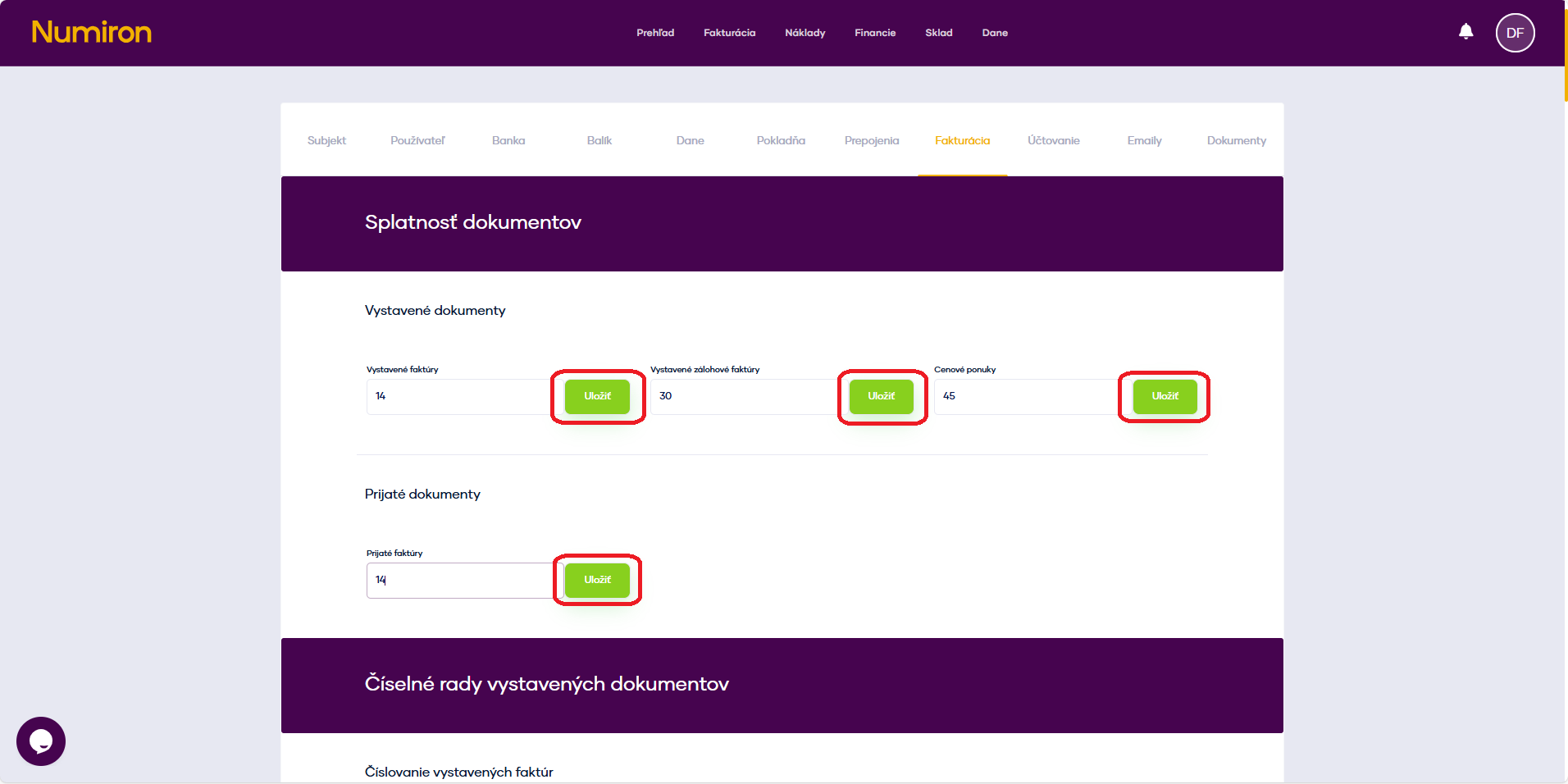
For each type, enter the number of days from the issue date to the due date (e.g. 14, 30, 45 days) and click on Save.
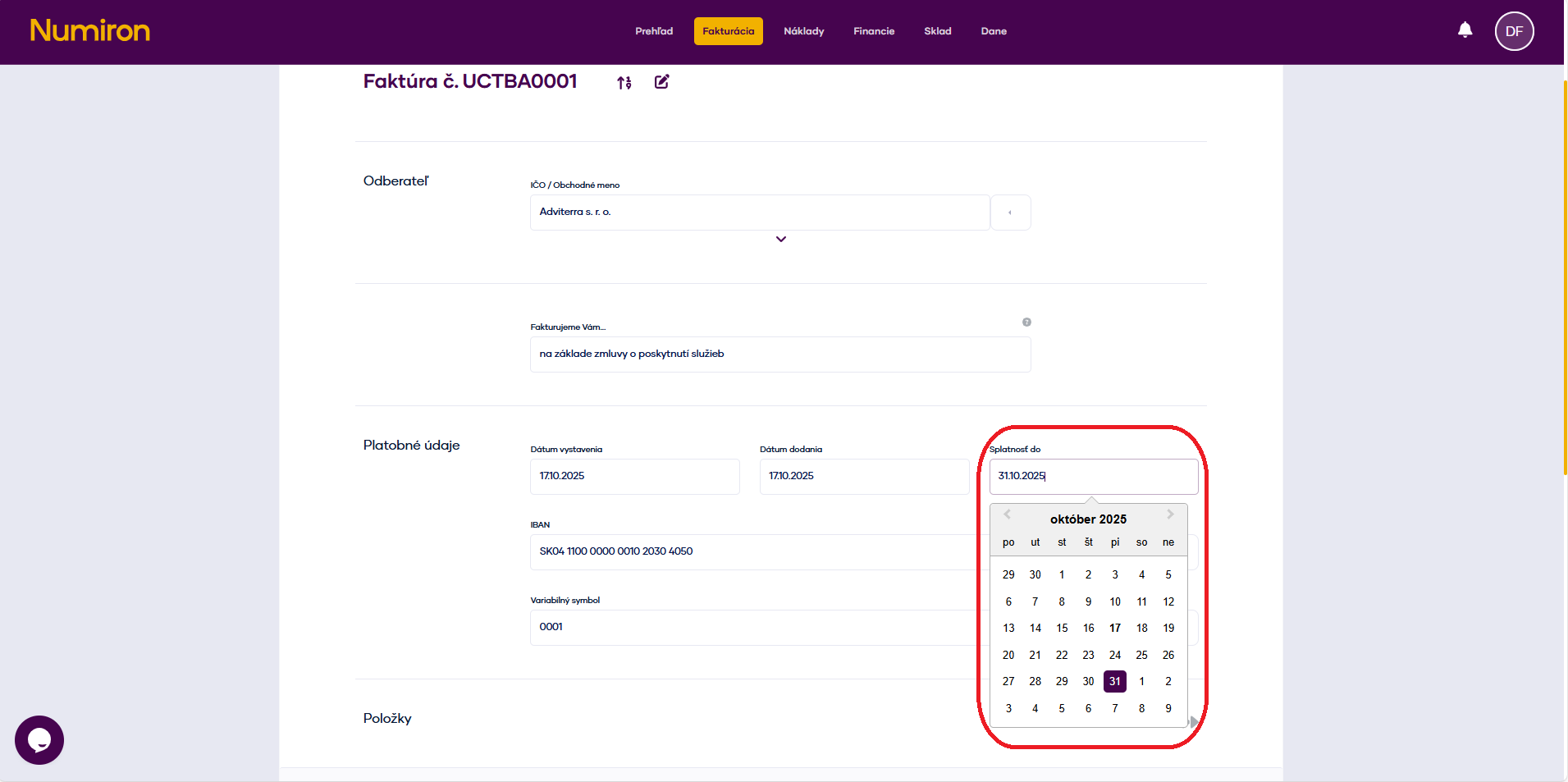
When creating a new document, the „Due Date“ field is automatically pre-populated with the calculated date (date of issue + number of days).
Method 2: Change the due date directly in the document
At creating or Edit by of the document, find the field Maturity.
You can select the exact date from the calendar.
This modification applies only to the document and does not affect your default settings.