Numiron support
Numiron Support & FAQ


Numiron Support & FAQ
Contact us if you haven't found the answer
Mon - Fri from 08:00 - 16:00
The numbering series determines how your documents are automatically numbered. You can set them up by year, document type or operation so that you have a clear numbering system.
1. Opening the number series settings
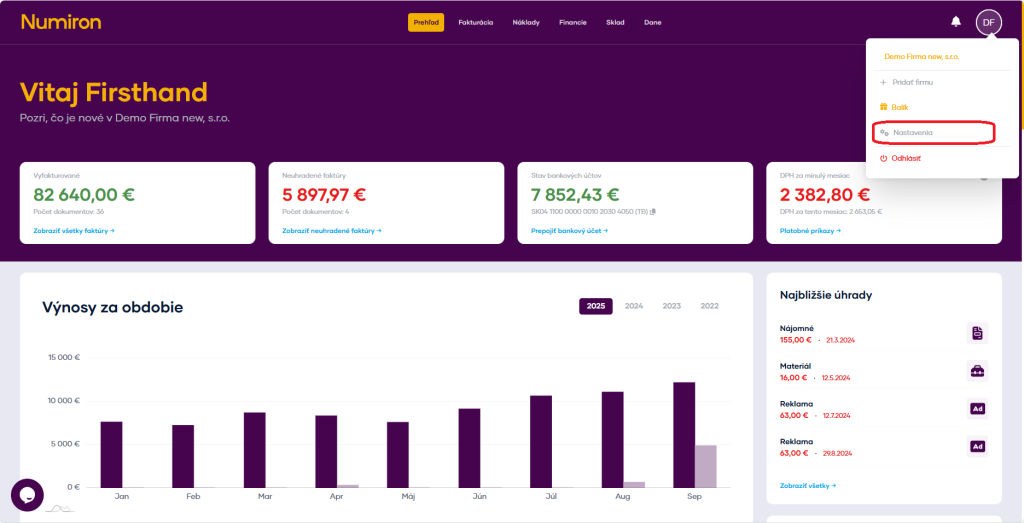
In the top right corner, click on the icon of your Profile, Select Settings and switch to the section Billing.
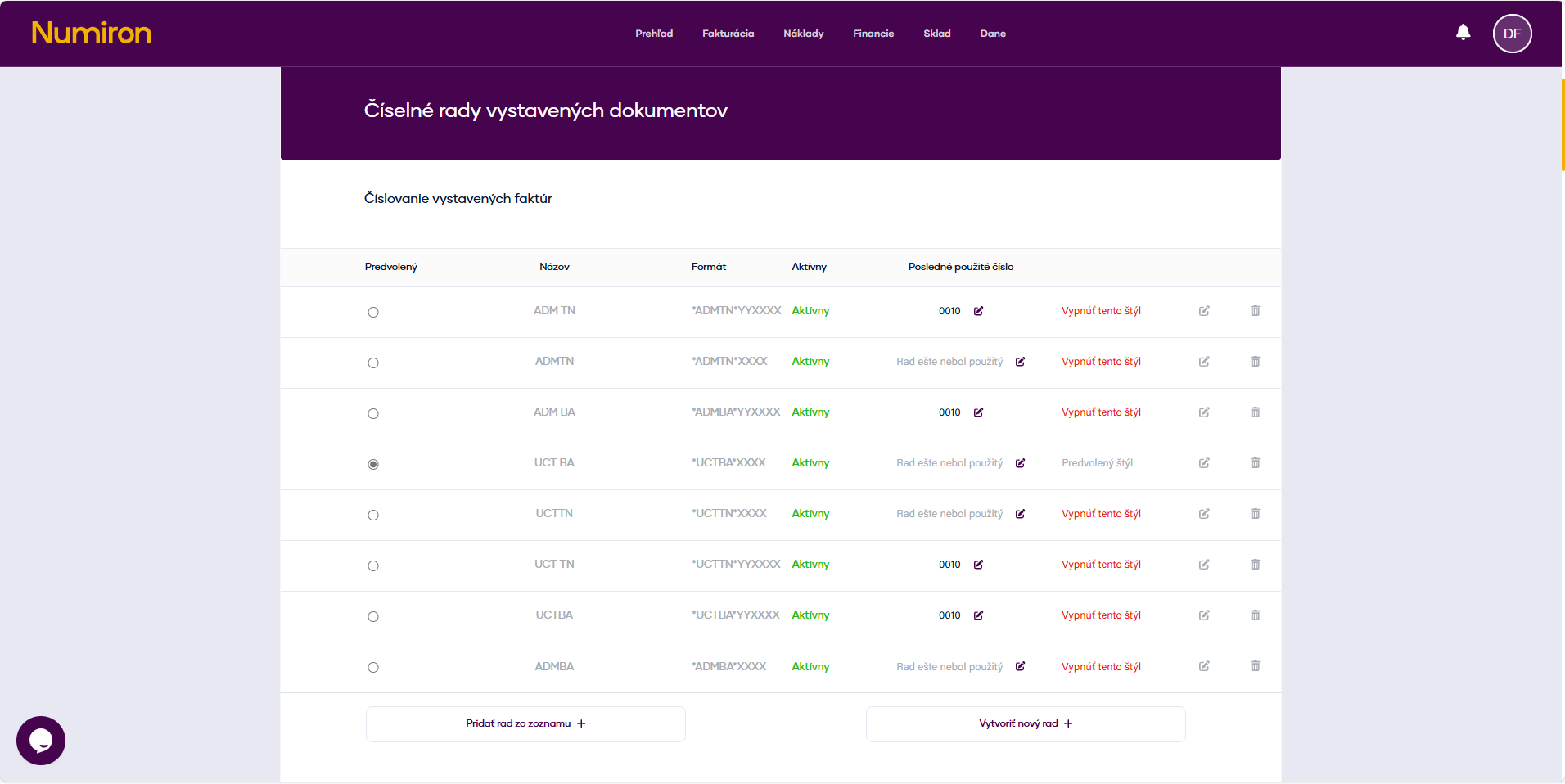
Then scroll down to the section corresponding to the documents for which you want to set the number series.
2. Create a new number series
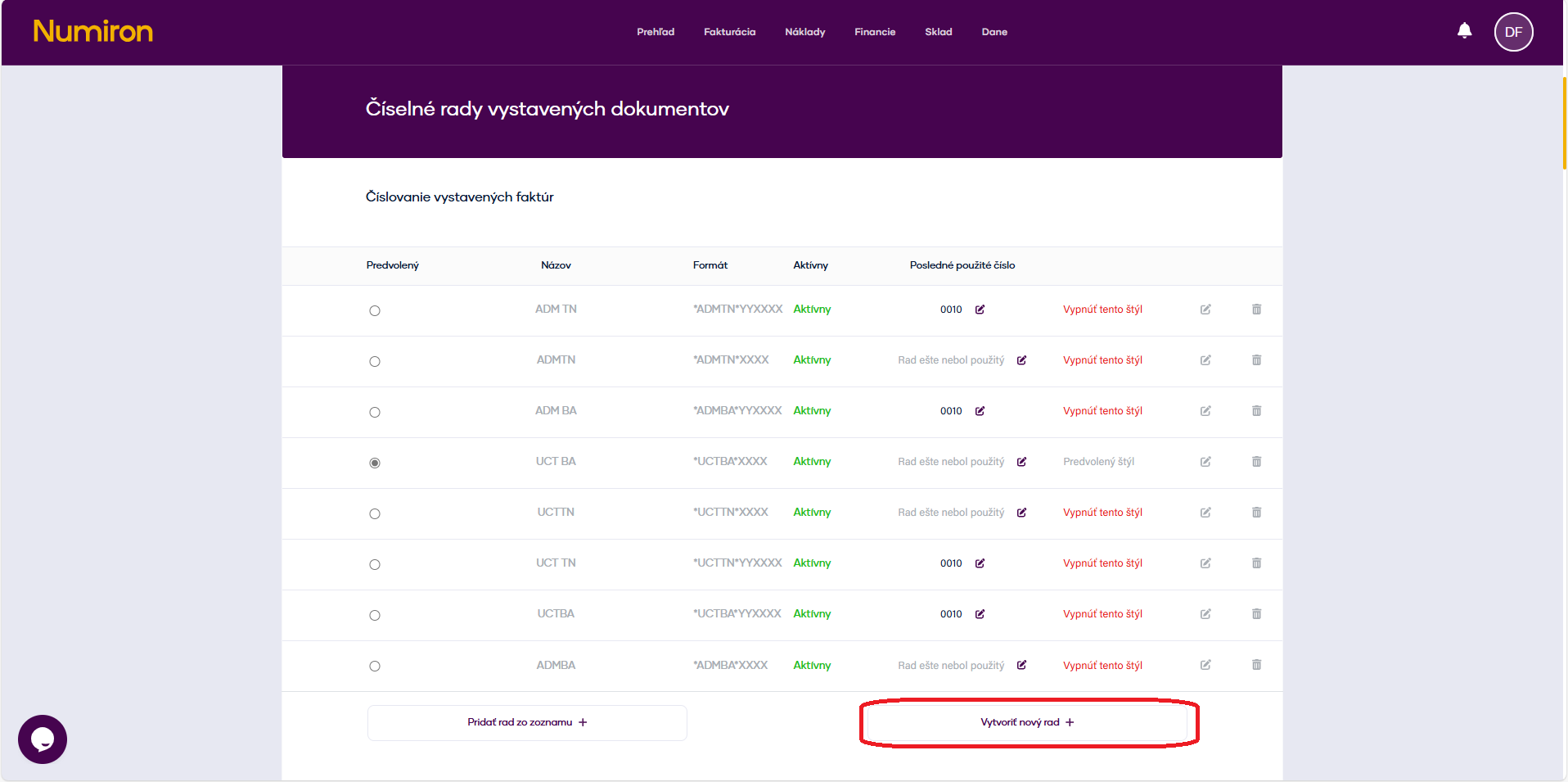
In the corresponding section, click on Create a new queue.
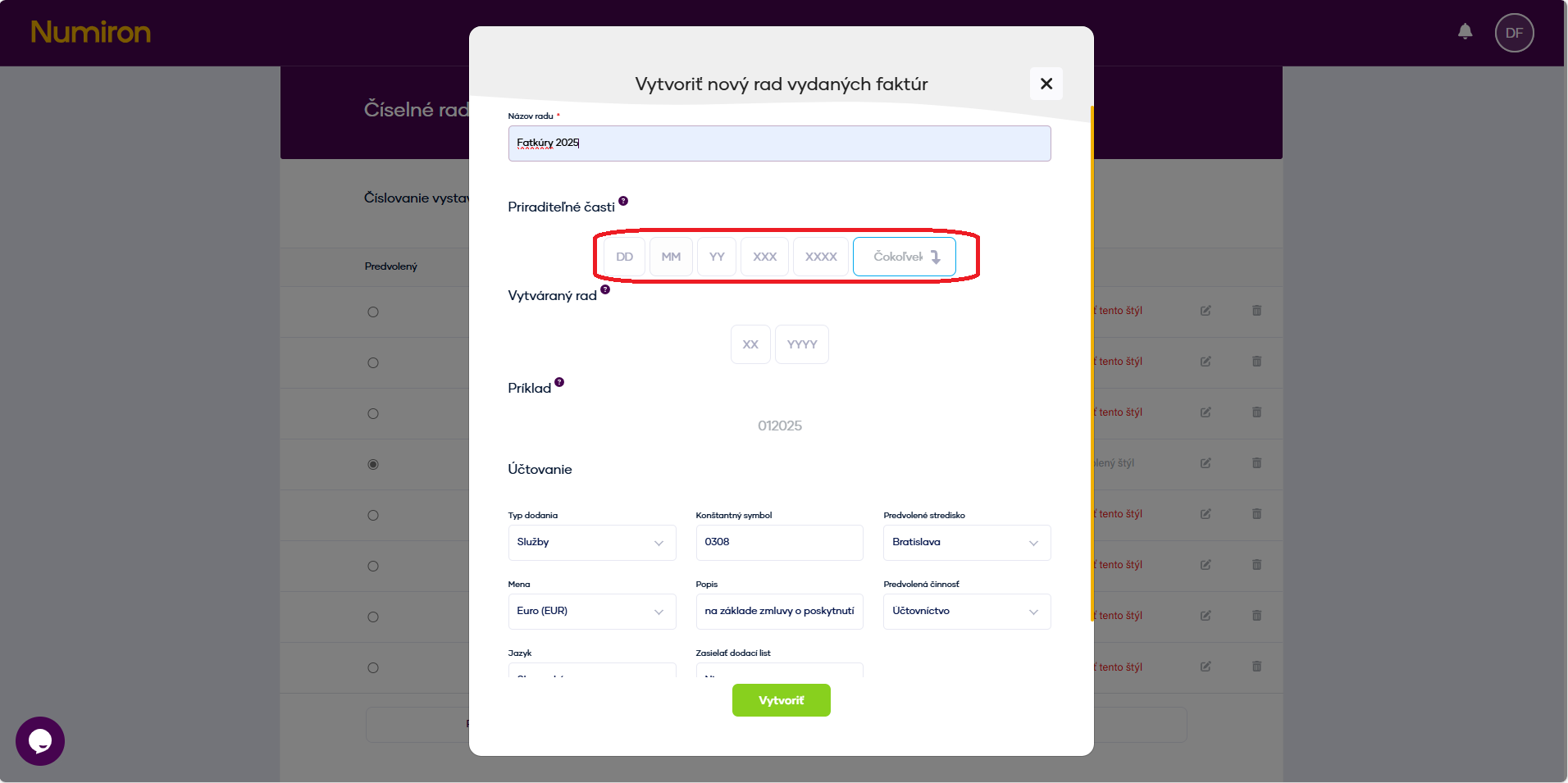
In the form enter:
Series name (e.g. „Invoices 2025“).
Number format:
You can insert static prefixes (e.g. 2025/FA/) and tokens:
(Optional) Set the default values for this queue:
This option appears when you click on the icon Pera in the right part of the number series record.
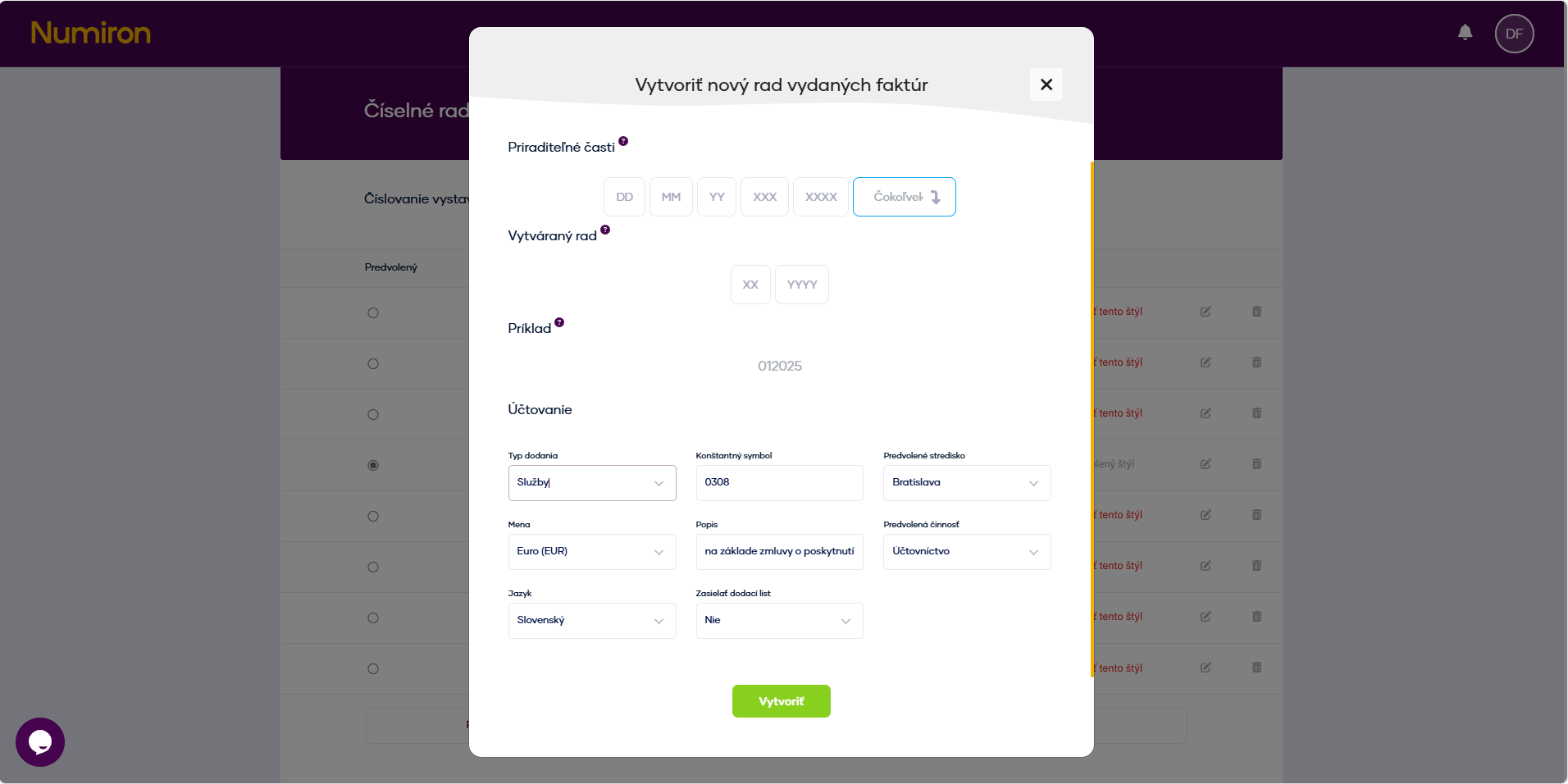
Click on Create.
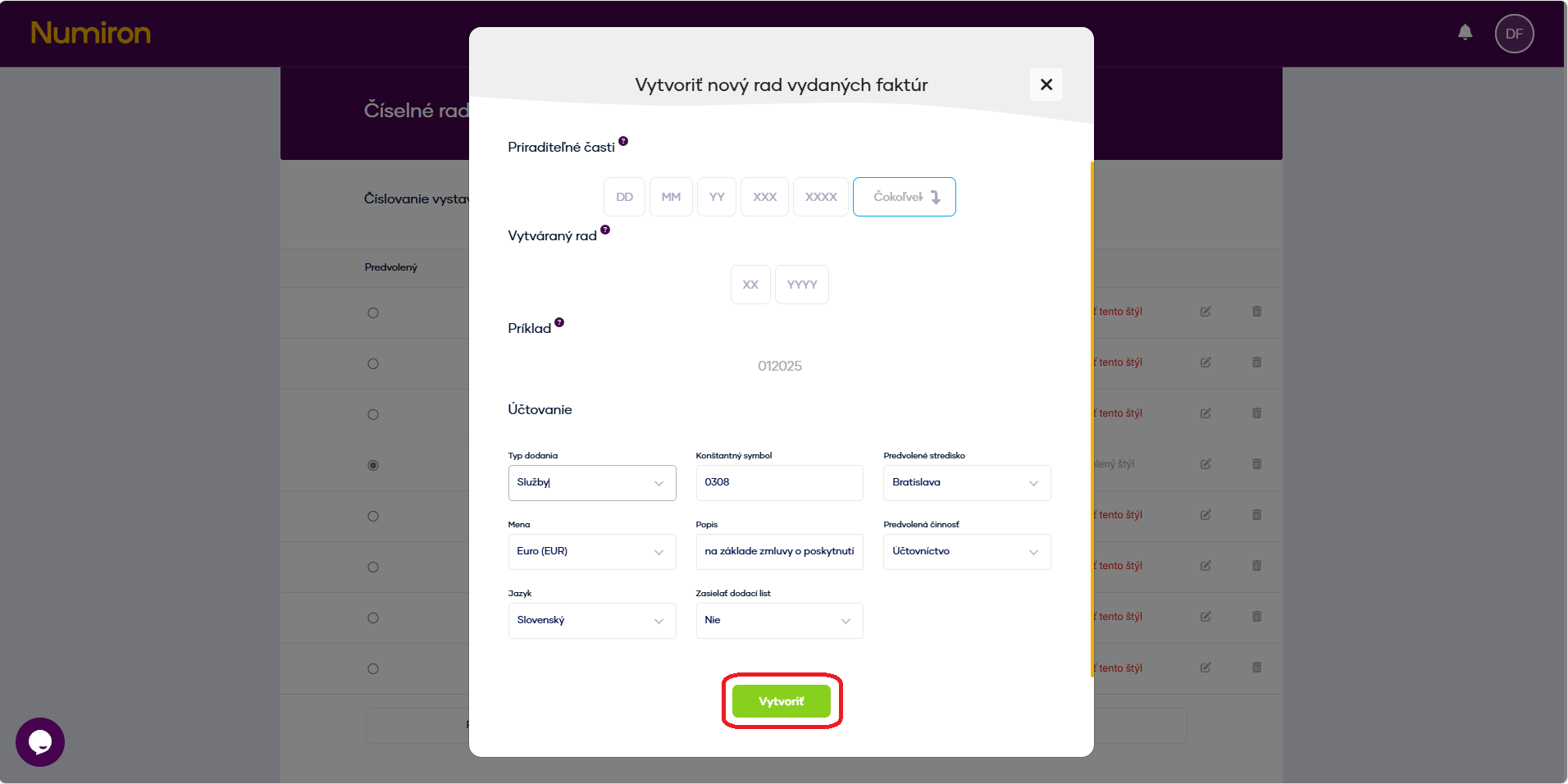
3. Adjustment or removal of the series
In the list of number series, click on Pen for modification or for Basket for removal.
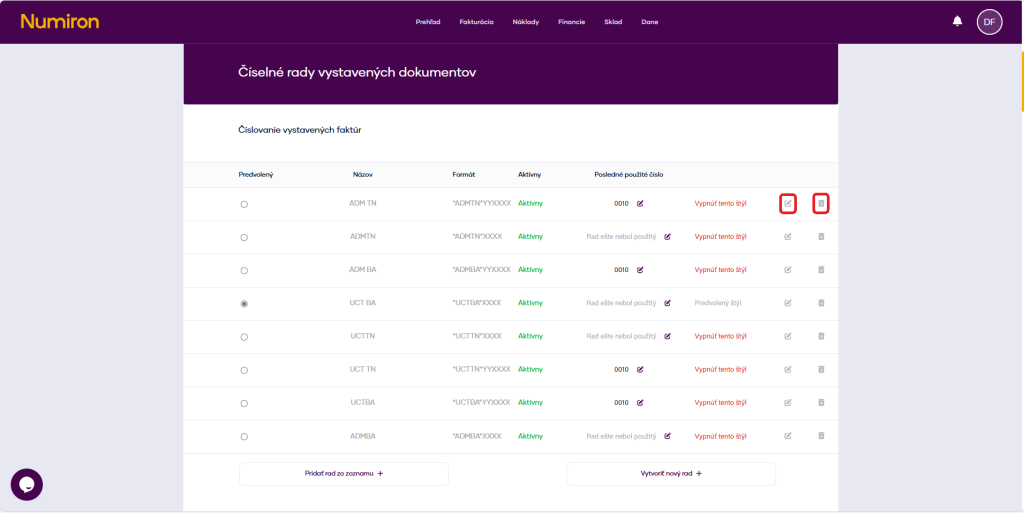
Editing can be done at any time, but changes will only be applied when new documents are created (existing documents will remain unchanged).
Contact us if you haven't found the answer
Mon - Fri from 08:00 - 16:00


Features
About us
Information
Sign up for our newsletter and receive regular updates on news, useful tips, interesting facts, and important updates directly to your email inbox. We only send content that is truly valuable and will help you not miss anything important.

Copyright © 2026 Numiron s.r.o.
Website by


