Numiron support
Numiron Support & FAQ


Numiron Support & FAQ
Contact us if you haven't found the answer
Mon - Fri from 08:00 - 16:00
Before issuing the first invoice, we recommend setting up all the basic information about your company and customizing the appearance of your documents. This will ensure your invoices contain the correct information and look professional.
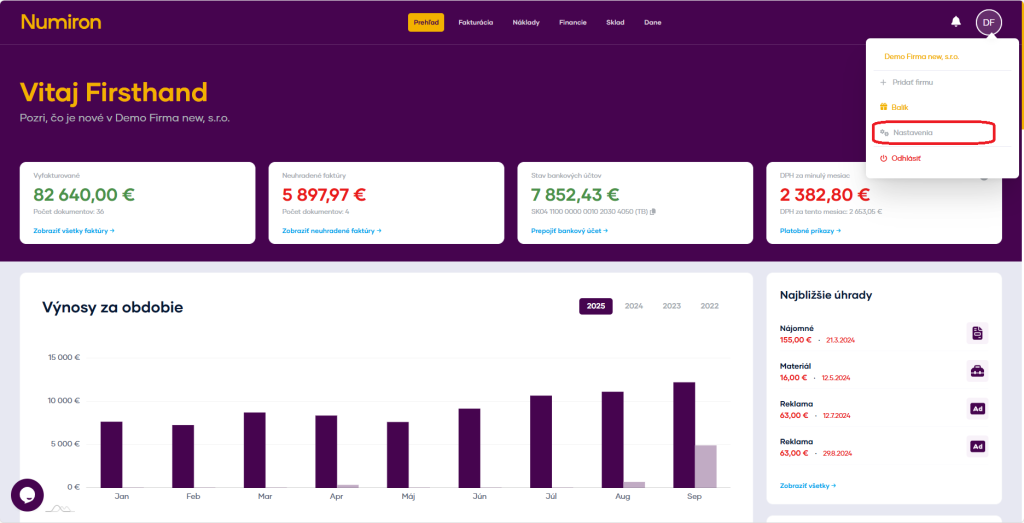
1. Where can I find these settings
Click on the subject icon in the top right corner. Then in the drop-down menu, click on Settings section will open Entity.
2. General data
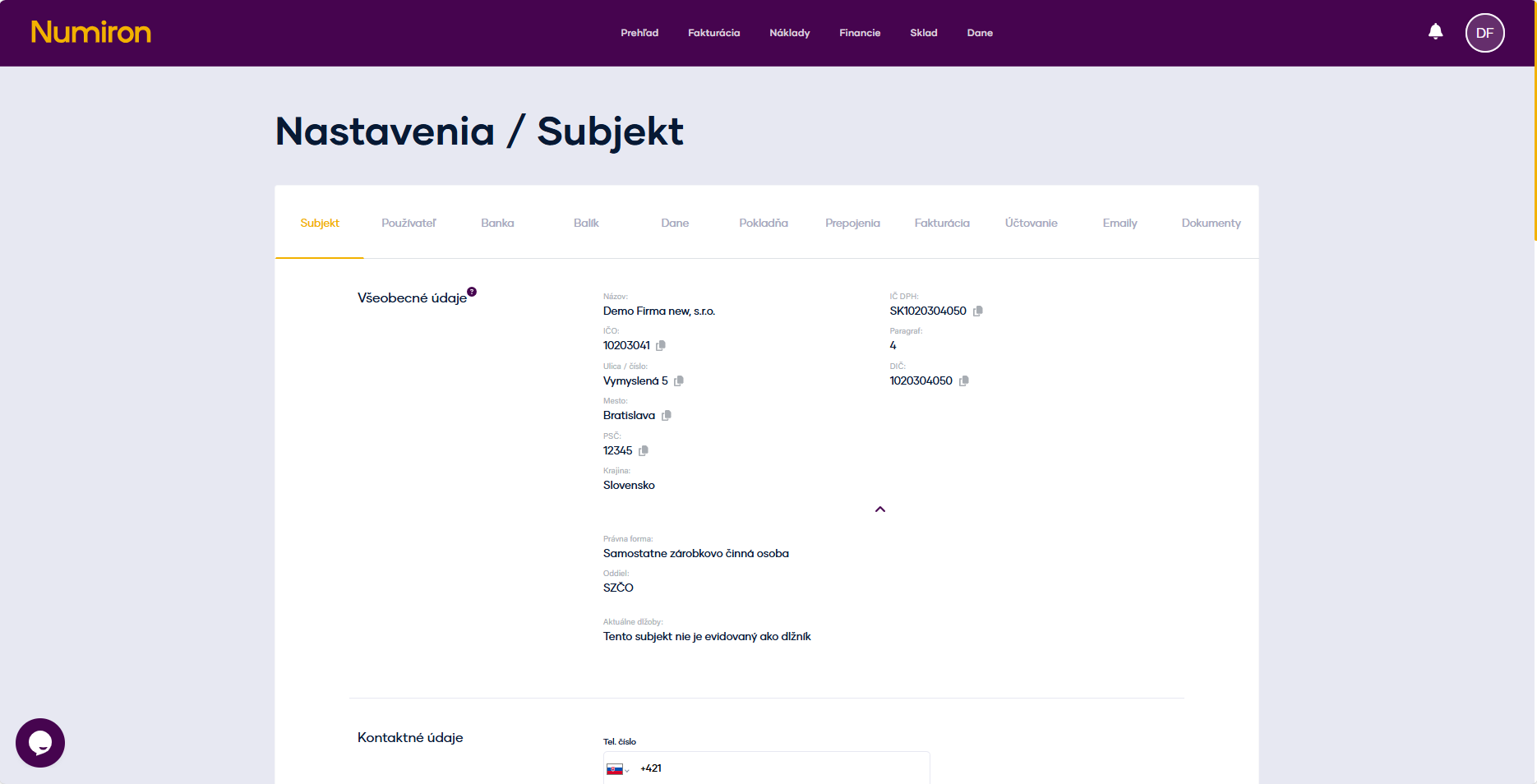
Check the general data:
3. Contact details
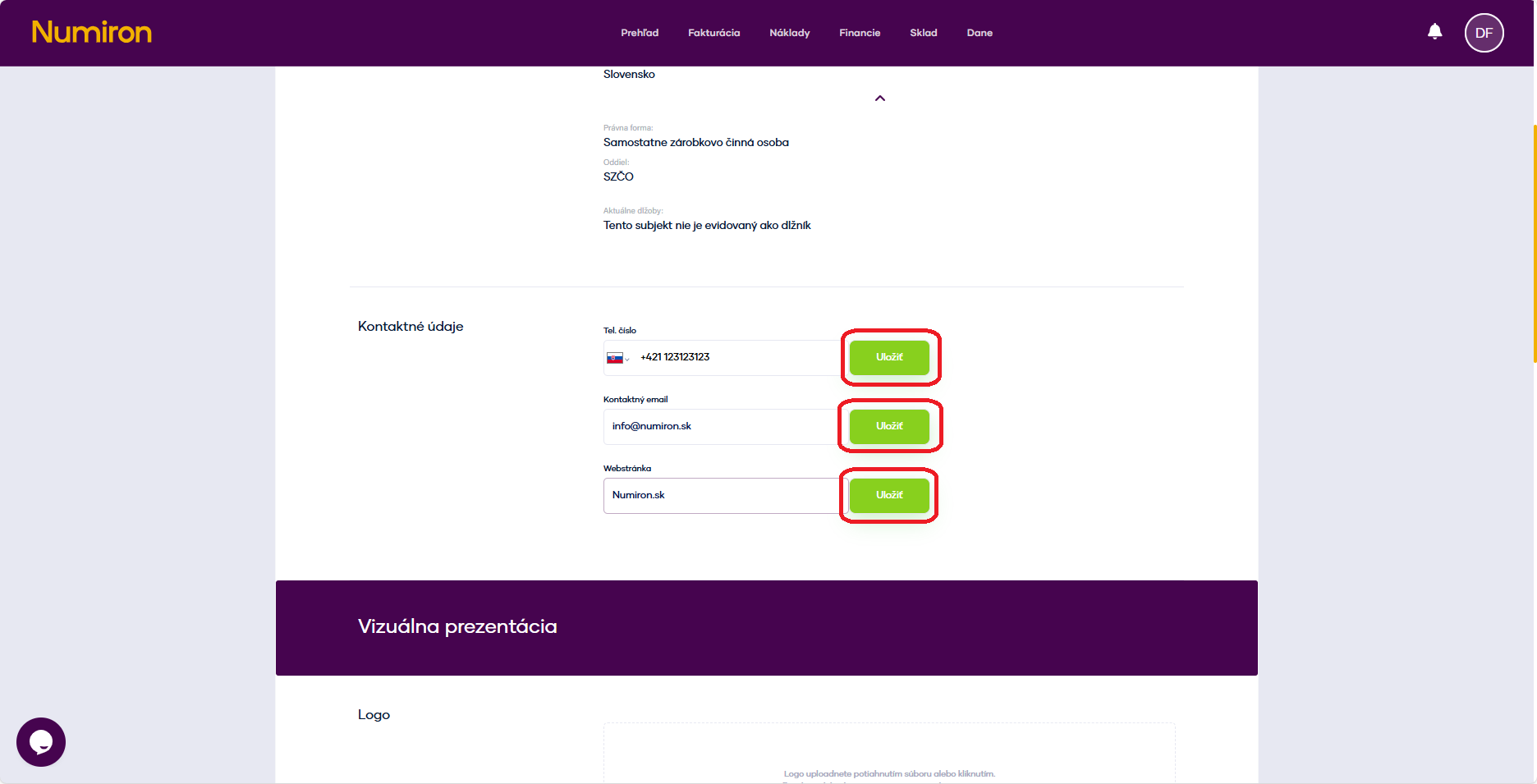
Contact details will automatically appear on your invoices and other documents.
After editing, click on Save.
2. Appearance and branding of invoices
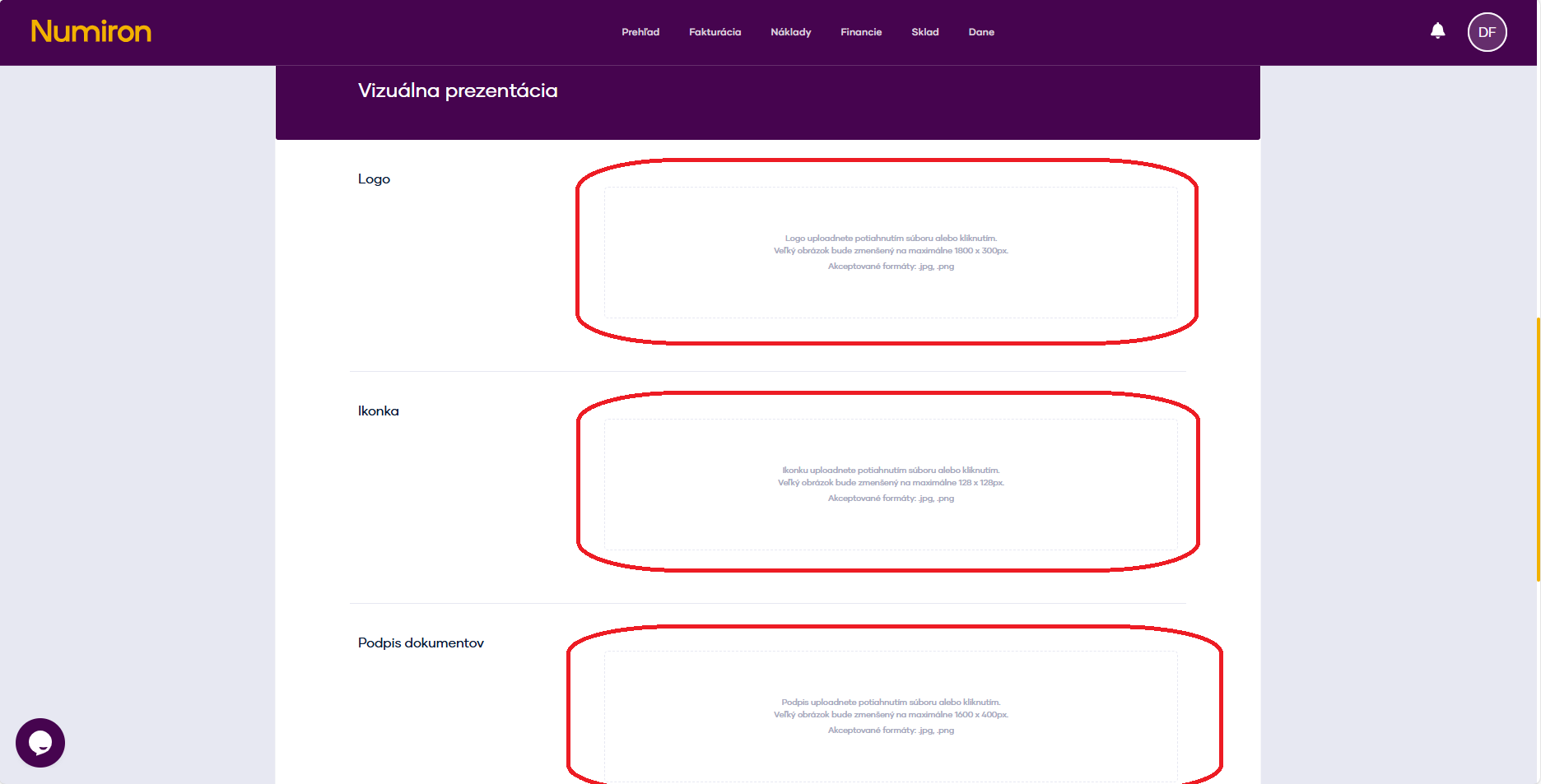
Open Settings, in section Entity scroll down the page to the section Visual presentation.
Click on each zone to upload an image:
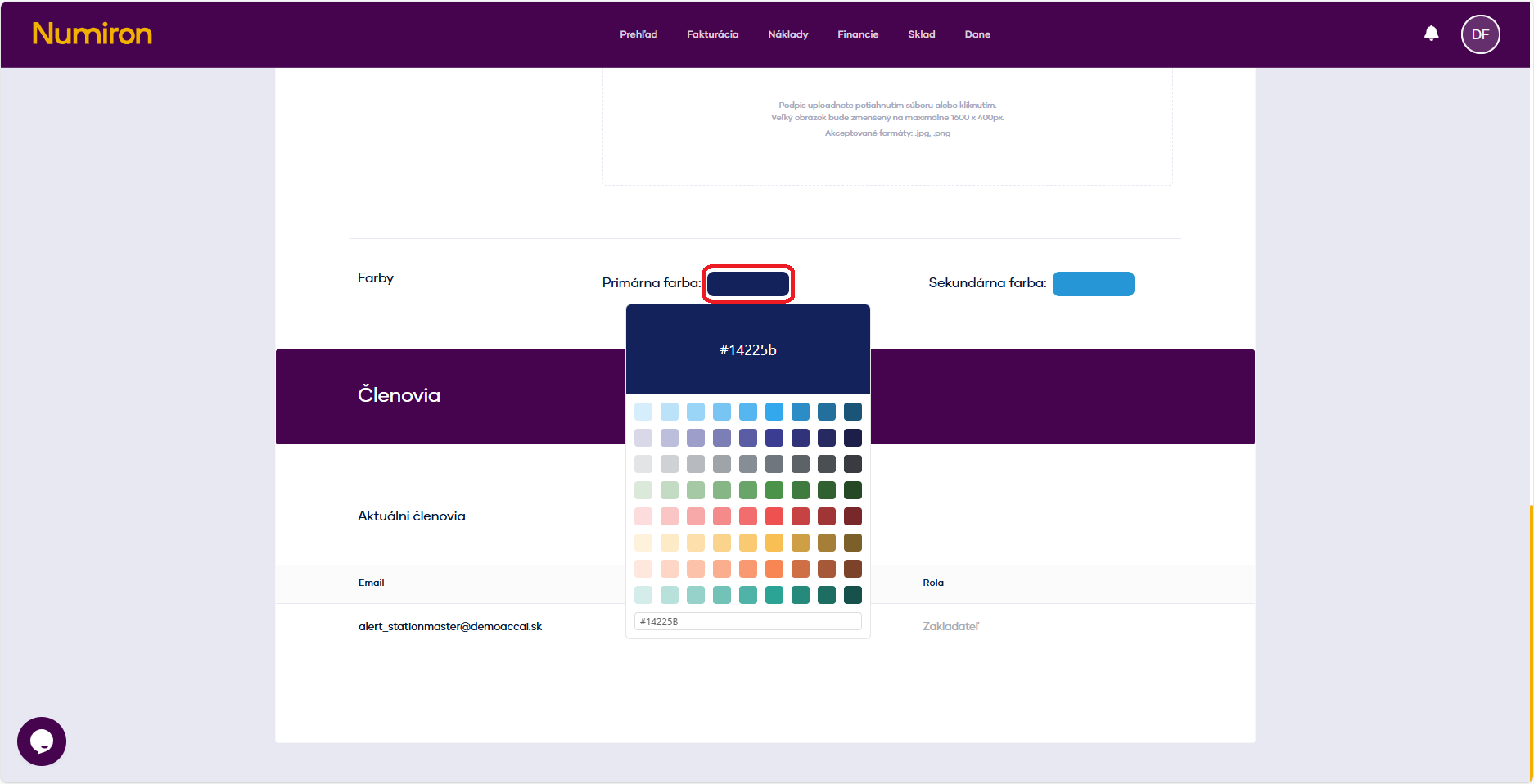
Choose from the default color combinations (main color + complementary color), or write your own color code.
Contact us if you haven't found the answer
Mon - Fri from 08:00 - 16:00


Features
About us
Information

Copyright © 2026 Numiron s.r.o.
Website by


