Numiron support
Numiron Support & FAQ


Numiron Support & FAQ
Contact us if you haven't found the answer
Mon - Fri from 08:00 - 16:00
A credit note is a correction document for correcting errors in invoices (e.g. when returning goods or providing a discount). In Numiron you can quickly create it by following the steps below.
1. Where to find credit notes
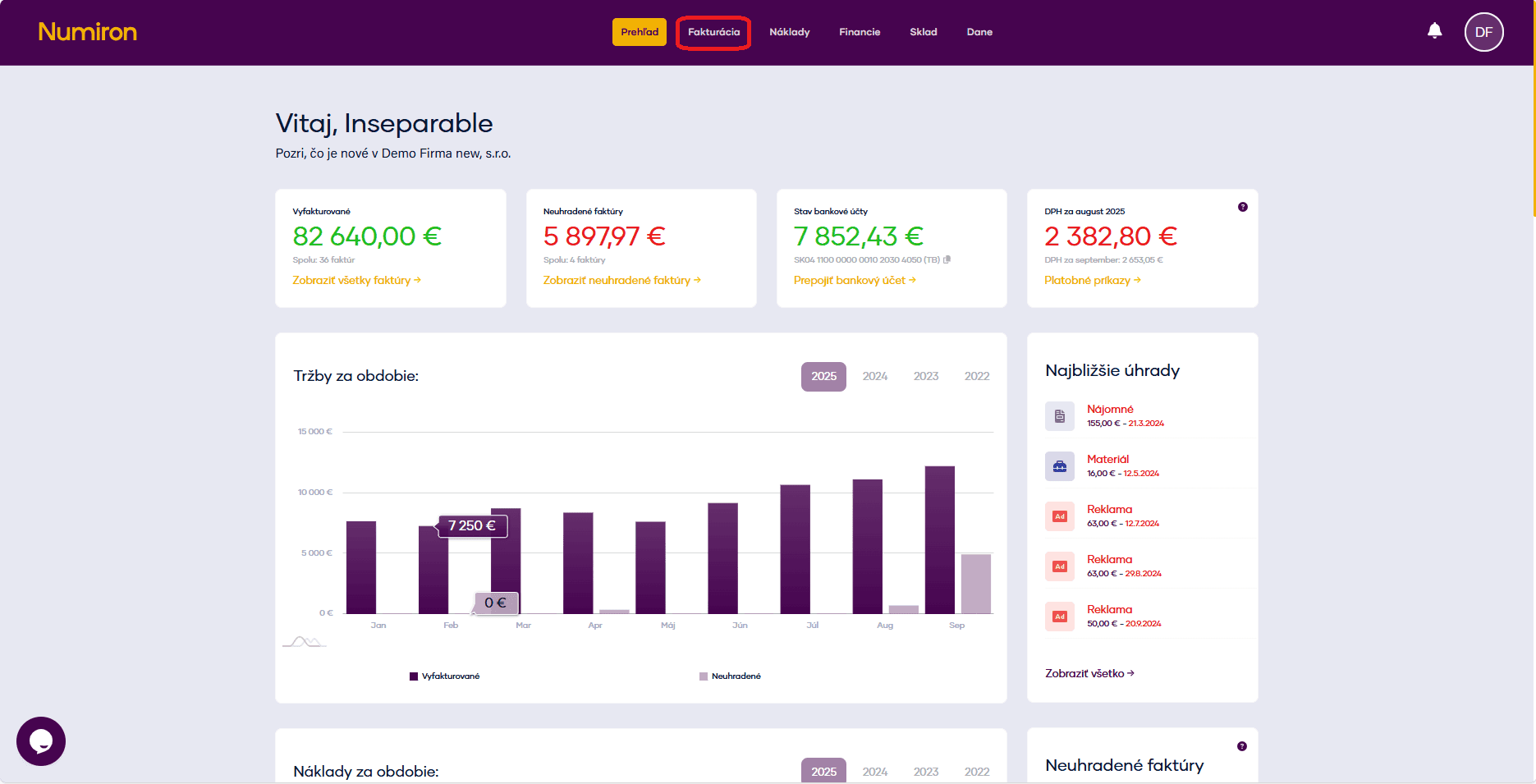
In the main menu, click on Invoicing and select Credit notes.
2. Start the form for a new credit note
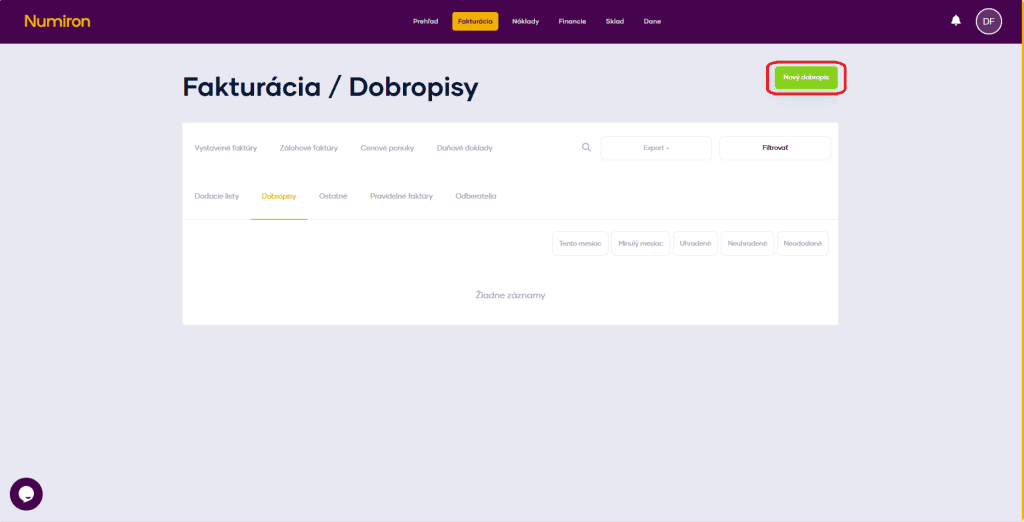
Press New credit note top right - opens the credit note editor.
3. Basic data
Numerical series - select a preset queue or enter the number manually by clicking on the Pen.
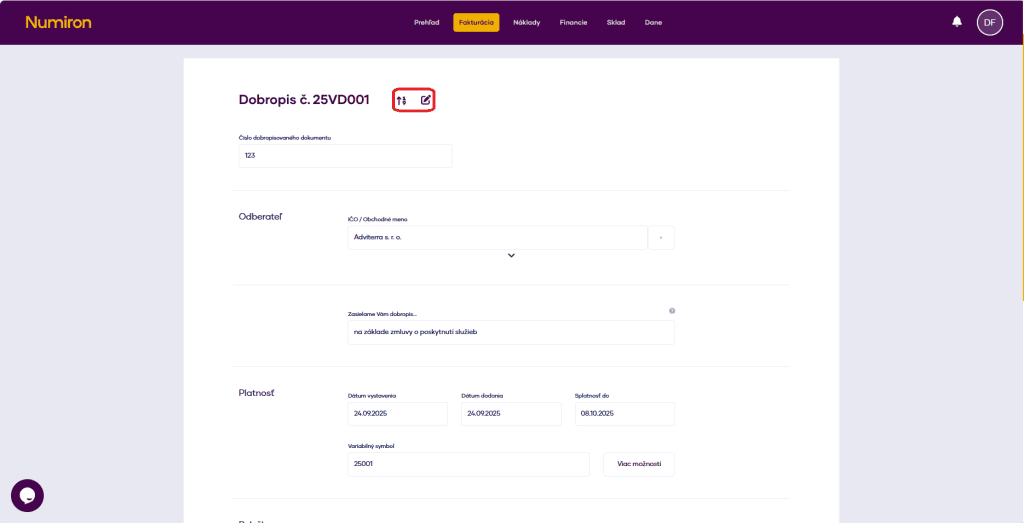
Number of the document to be credited - enter the number of the original invoice for which you are creating a credit note.
Subscriber - enter your registration number or business name, or select from the contact list; use the arrow below the name to check the details.
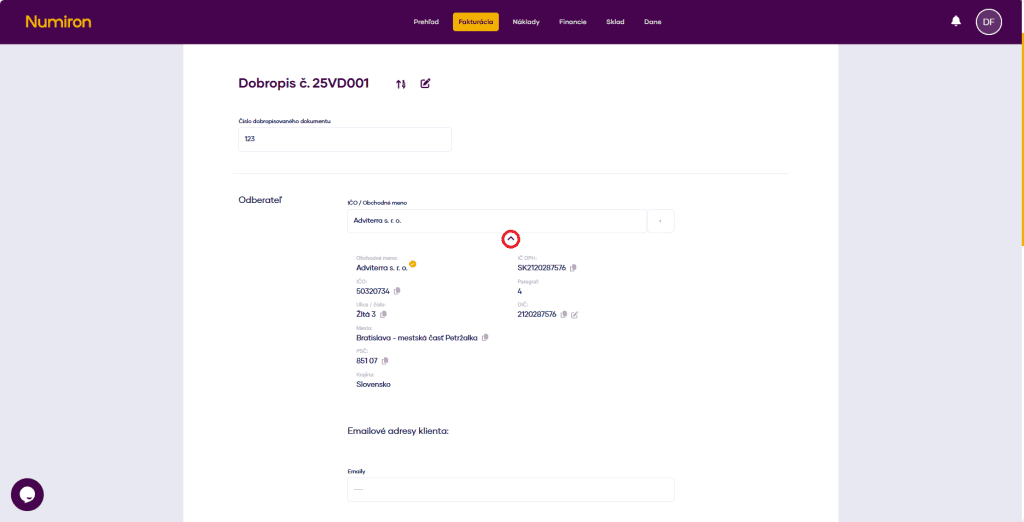
We send you a credit note... - edit the text that appears in the PDF header.
4. Validity:
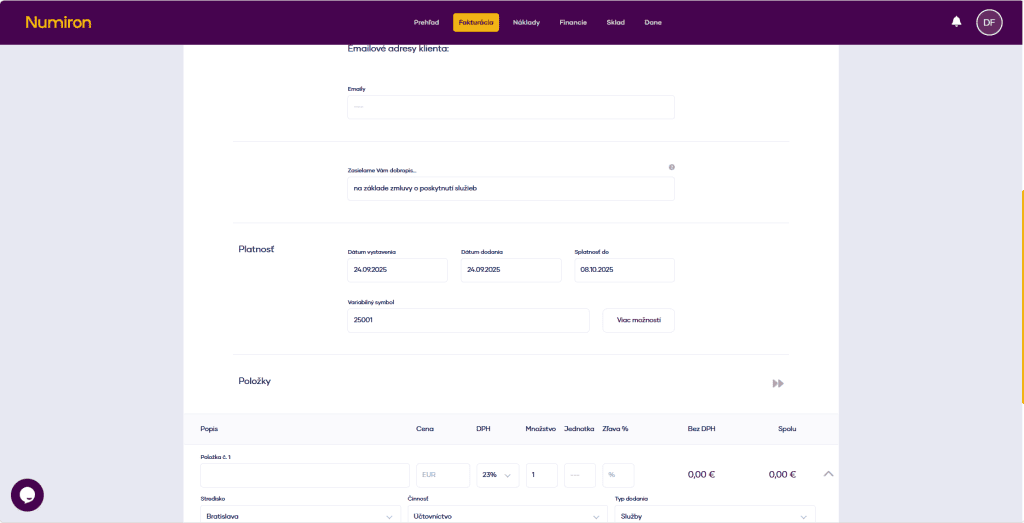
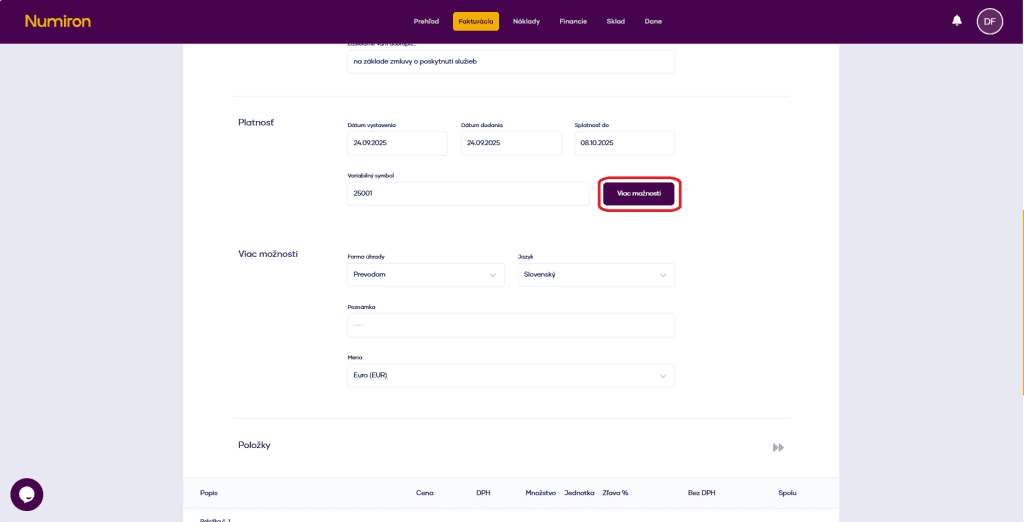
5. Multiple options (optional)
Click on More options and fill in:
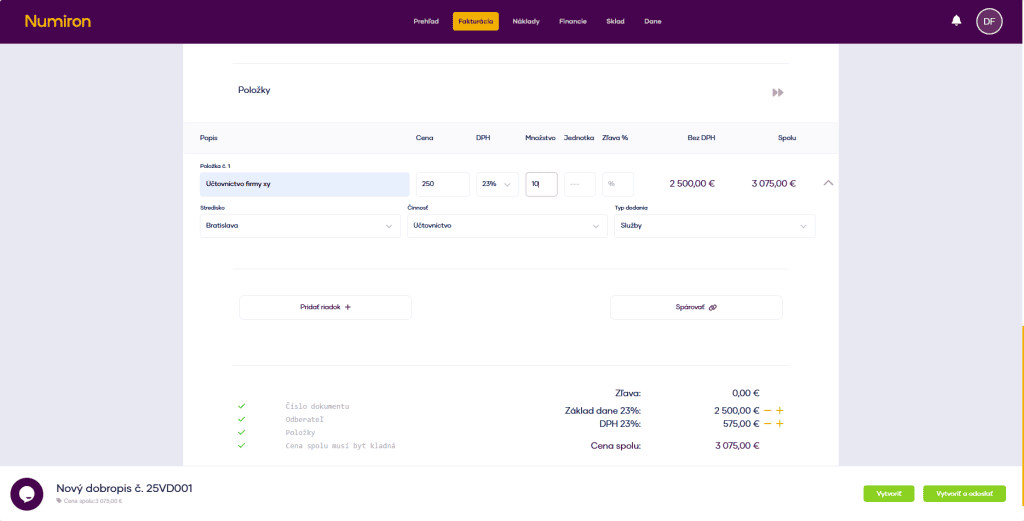
6. Add credit note items
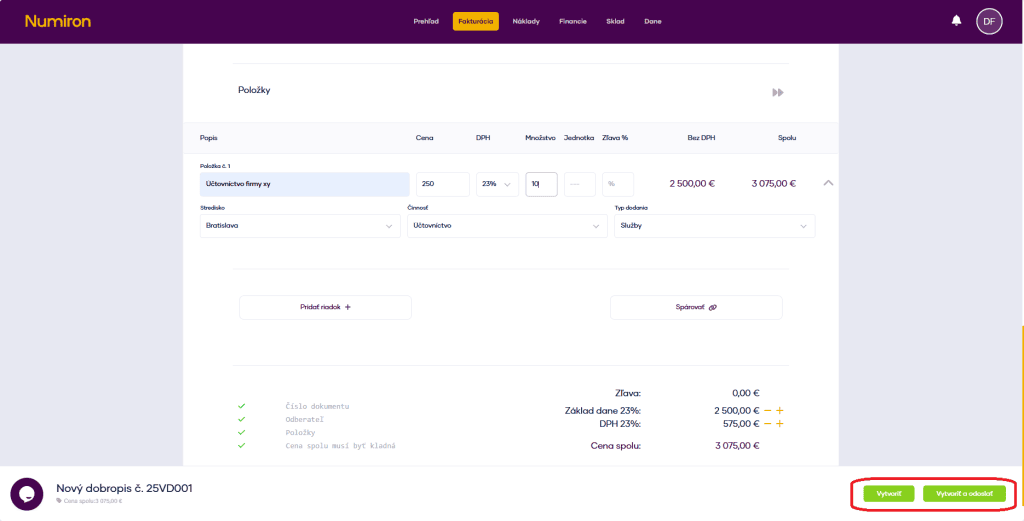
For each entry, press Add row and fill in:
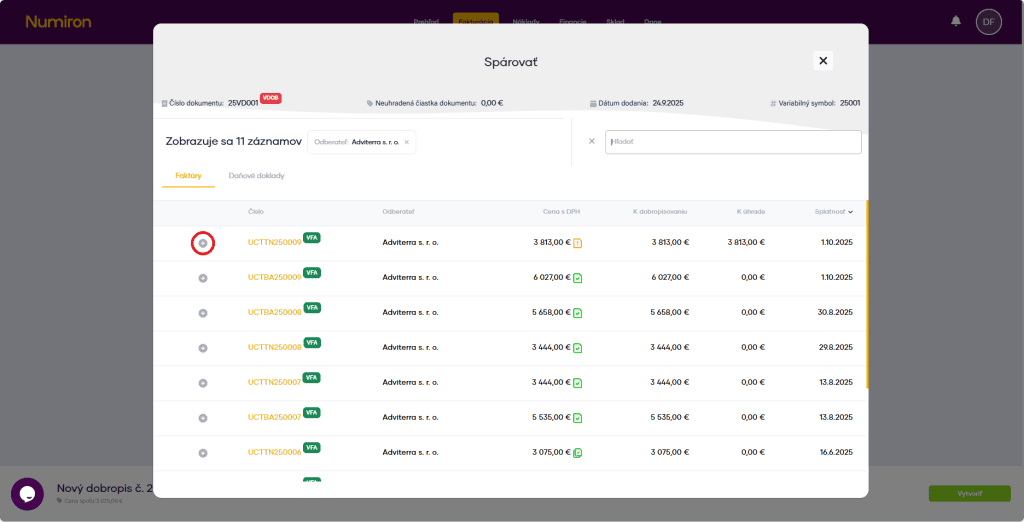
7. Pairing with invoice (optional)
To link the credit note to the original invoice, use the button Pair and select the right invoice.
8. Completion and dispatch
When you have everything filled in, press Create, or Create and send to send the document by email.
Contact us if you haven't found the answer
Mon - Fri from 08:00 - 16:00


Features
About us
Information

Copyright © 2026 Numiron s.r.o.
Website by


